Shop is several different things
Open Shop from the left. Recorded sessions have shown Gamepasses, premium Skill zones, a Starter Pack, egg or pet offers, and Wins packs. Prices and contents change. Read the card and the confirmation dialog in your server.
The 15x Skill Golden Zone and 50x Skill Admin Zone cards are paid Skill areas. They are not the rebirth-locked pads on the map.
You can progress without buying any of these. Throw, train, reach a farther zone, then compare an owned stone or pet.
The code field
Game-specific instructions from late September through October 2 say:
- Press Shop on the left.
- Scroll to the bottom of the window.
- Paste one code into the field labeled Enter Code Here.
- Press the green Redeem button.
- Read the notice, then try the next code.
One shorter list points at a generic Codes or Gift button instead. If you do not see that button, use the Shop field. Do not pay to redeem a code, and do not type a Roblox password into a code website.
If the field does nothing, close Shop, open it again, click inside the field, and try once more. Invalid or expired means that attempt paid nothing.
Gifts, the chest, and daily rewards
Gifts is a left-side button. Its panel contents were not captured, so there is no verified timer or reward list. Open it and read the live requirements.
A glowing CLAIM chest near spawn has shown Join Group/Like To Claim and a Wins label. The chest and the Gifts button were not shown to be the same claim. Follow the action inside the experience, then check whether Wins actually changed.
A September 30 play session also mentioned daily rewards and claimed a 1x Skill boost there. That is separate from codes. Read the reward on the panel you opened.
A named Shop pack from one session
That same September 30 session described a Demon Pack priced at 200 Robux. The creator read the card as +1 pet slot, +10 rebirth, and a x600 pet. Those lines are one account's Shop card, not a published pet list, and the pack is separate from the Common, Uncommon, Rare, and Rainbow stands.
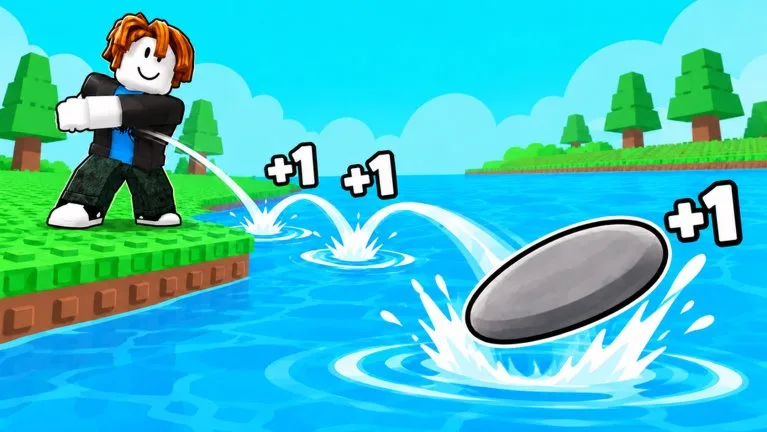
Auto Throw
Footage has shown a red AUTO THROW sign and an AUTO tag under the avatar. The frames do not show the button path, the price, or whether it works while you are away. If a prompt asks you to buy access, read it. Do not install an outside automation tool to imitate the mode. The basic rule is still +1 Skill per bounce before your own modifiers.